What comes in each chatbot template?
Every template starts with the AI instructions: the exact text to paste into your chatbot, with placeholders where your details go. Below them sits the full script as plain text. A step-by-step table gives the reason for every question, so you know why the bot asks for a ZIP code before you decide to keep it.
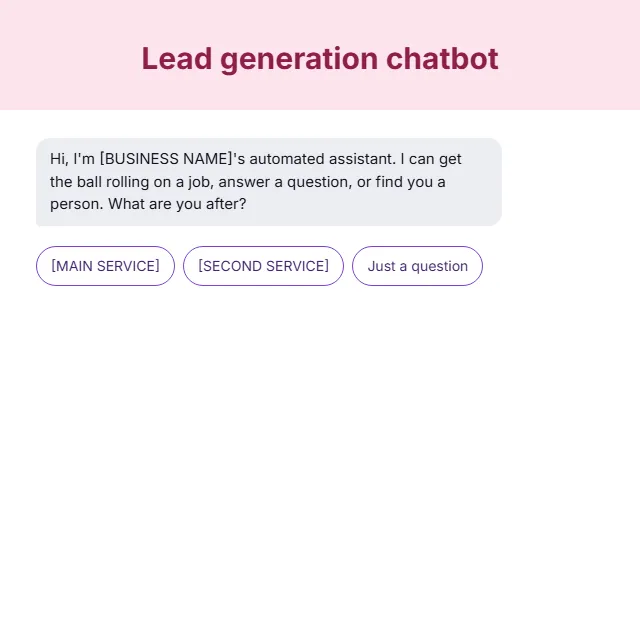
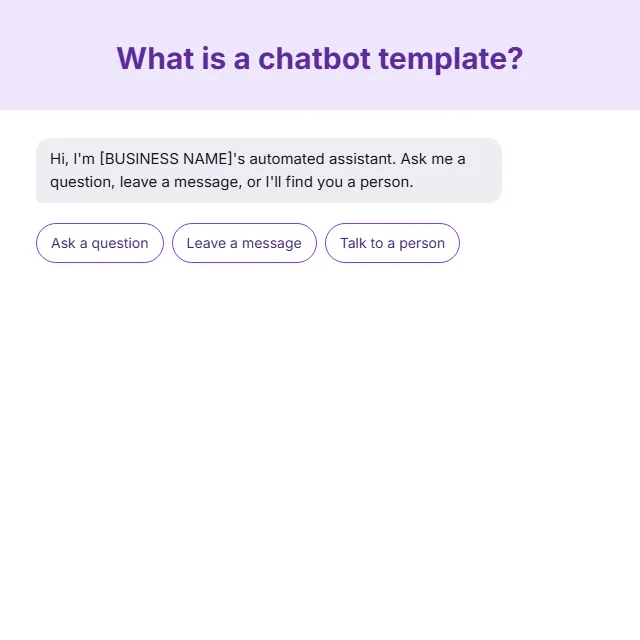
Each one also carries starter answers, marked as placeholders until you swap in your own. The handover rules say when the bot stops and passes the chat to a person. A scripted demo plays the whole conversation with buttons, so you see the template work before you copy a word of it.
How do you choose the right template?
Start with the job, then the industry. A support bot answers questions and logs problems. A sales bot qualifies the visitor and takes their details. A booking bot gets a preferred time. An ordering bot starts from the order or the product. The five categories below follow those jobs.
Industry templates go further where the trade really changes the conversation. A real estate bot sorts buyers from sellers in its first message, because a seller needs an appraisal and a buyer needs a viewing. Each industry template carries at least three steps that belong to that trade alone. Anything thinner folds back into the job template.
Some jobs suit a form better. Where a form does the same job, the template links to its form twin under Chatbot or form, so you can pick the one your visitors will finish.
How do you put a template live?
Copy the AI instructions into the chatbot tool you already use, in the box where it asks how the bot should behave. Replace every square bracket with your own details, then paste your services, hours and policies where the instructions ask for them.
Set the handover to the person or inbox that should take over, then test every button before the bot meets a visitor. If your tool runs on buttons rather than written instructions, rebuild the steps from the script tab in the same order.