


CRM lead source
How to add a custom field to a Freshsales web form
HubSpot says “Paid Search.” Lead source tracking names the campaign, the entry page and the route, on every HubSpot form.


HubSpot has two source properties. Original Source records a contact’s earliest tracked visit; Latest Source is overwritten on every new session. Many reports default to Latest Source, so a lead who first arrived from Paid Search but later returns via a bookmark is recorded as Direct, and the original source is lost.
HubSpot files a visit as Direct whenever it cannot see where it came from. Per HubSpot’s own documentation, that happens when:
utm_source, utm_medium and gclid from the URL before HubSpot’s script can read them;So some of your “Paid Search” and “Organic” contacts end up filed under Direct, and the HubSpot reports give less credit to the channels doing the work.
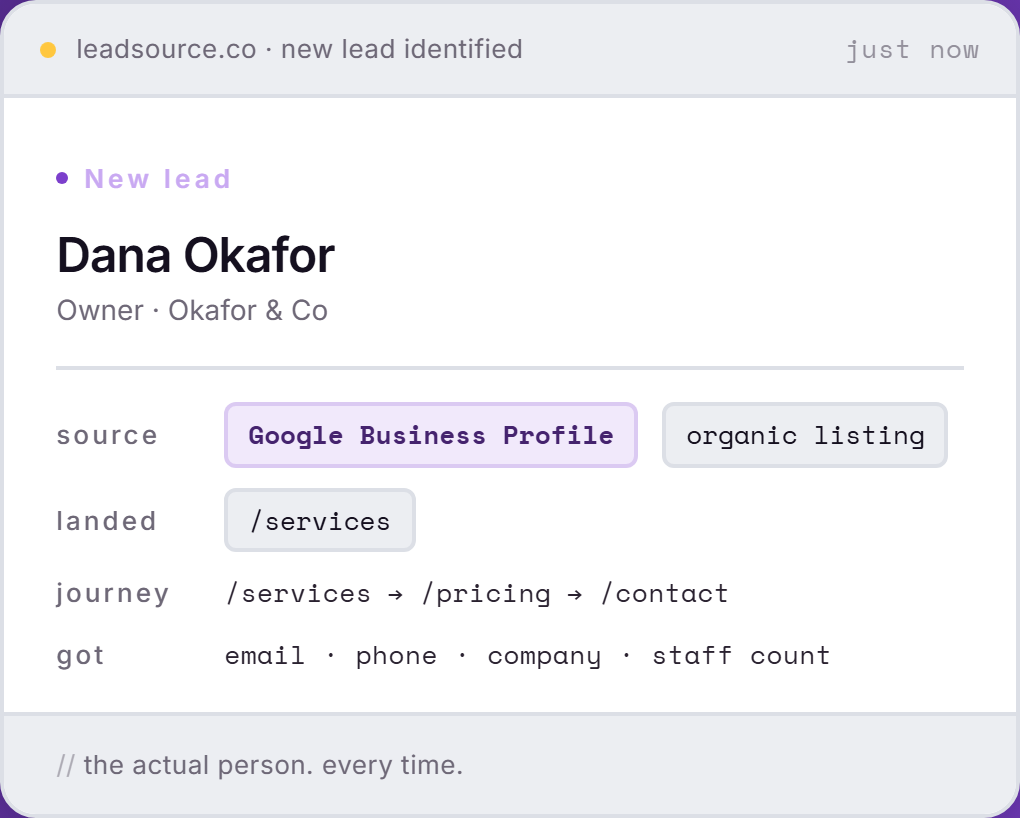
What Lead Source does about it: it records the source, the campaign and each page viewed every time a HubSpot form is sent. The contact shows up by name in Lead Source with the source HubSpot missed. Original Source and Latest Source stay as they were, since Lead Source writes nothing back.
HubSpot forms, pop-ups, embedded forms and standalone landing pages are all captured, on any HubSpot tier. Nothing to configure inside HubSpot. No Operations Hub, no workflows.
HubSpot sorts contacts into Original Source buckets. Form tracking records the exact campaign and page as the HubSpot form is sent. Running more than HubSpot? All the lead source integrations sit on one page.
HubSpot’s built-in Original Source is a high-level bucket. It’s the right answer for “how did this contact first find us, in general?” It’s the wrong answer for “which of my Google Ads campaigns produced this customer?”
Original Source gives the category. Lead Source gives the campaign, keyword or post that brought the customer in, and a budget gets decided at that level. For the property itself, see what HubSpot Original Source is, and to read its sub-properties, the Original Source drill-down.
</head>.Done in five minutes.
<script async src="https://app.leadsource.co/ft.js" data-site="YOUR_SITE_KEY"></script>The header tag is all there is to install. It spots HubSpot forms, pop-ups and embeds on the page unaided, and any you build in HubSpot next month.
On a site built in HubSpot CMS, the tag goes in Settings › Website › Pages › Site Header HTML once. Anywhere else, put it ahead of </head> on each page with a HubSpot form.
Open one of your form pages from a campaign link and fill in the HubSpot form as a prospect would.
It turns up on your dashboard within seconds, under the name you typed, with the campaign beside it.
Straight answers on the property, the schema, and what happens to Original Source.
HubSpot tracks Original Source. A high-level bucket like "Paid Search" or "Direct Traffic." Useful for general reporting. Not useful for deciding whether to keep funding a specific Google Ads campaign. Lead Source adds the source-level detail HubSpot doesn't capture by default.
No. Lead Source never writes to HubSpot by itself, so nothing of yours can be overwritten. Original Source stays exactly as HubSpot recorded it, and the real source lives alongside it in your Lead Source dashboard.
No. Capture happens on your website, not inside HubSpot, so it works the same on Free, Starter, Professional and Enterprise. No workflows, no data sync, no paid tier.
Yes. The source lands on the HubSpot contact, on the property you choose, so HubSpot reports can group contacts and deals by the campaign that produced them.
Yes, because it does not live in HubSpot. The lead record sits in Lead Source, so merges, lifecycle changes and rep edits on the HubSpot side cannot touch it.
Free. Five-minute install. No credit card.
Start freeFree to start · no card