


CRM lead source
How to add a custom field to a Freshsales web form
This page covers one thing: getting each lead out of Lead Source and into the tools your team already lives in, with the real source still attached. Zapier carries it to thousands of apps. A signed webhook carries it anywhere else.
A new lead in Lead Source can become a contact in your CRM, a row in a spreadsheet or a card on a board, with its source on it. Your team keeps working where it works. The source just turns up, which is more than the old “how did you hear about us” box ever managed.
Each new lead triggers your Zap with the person and the source together, so whatever the Zap does next, it does with the source attached.
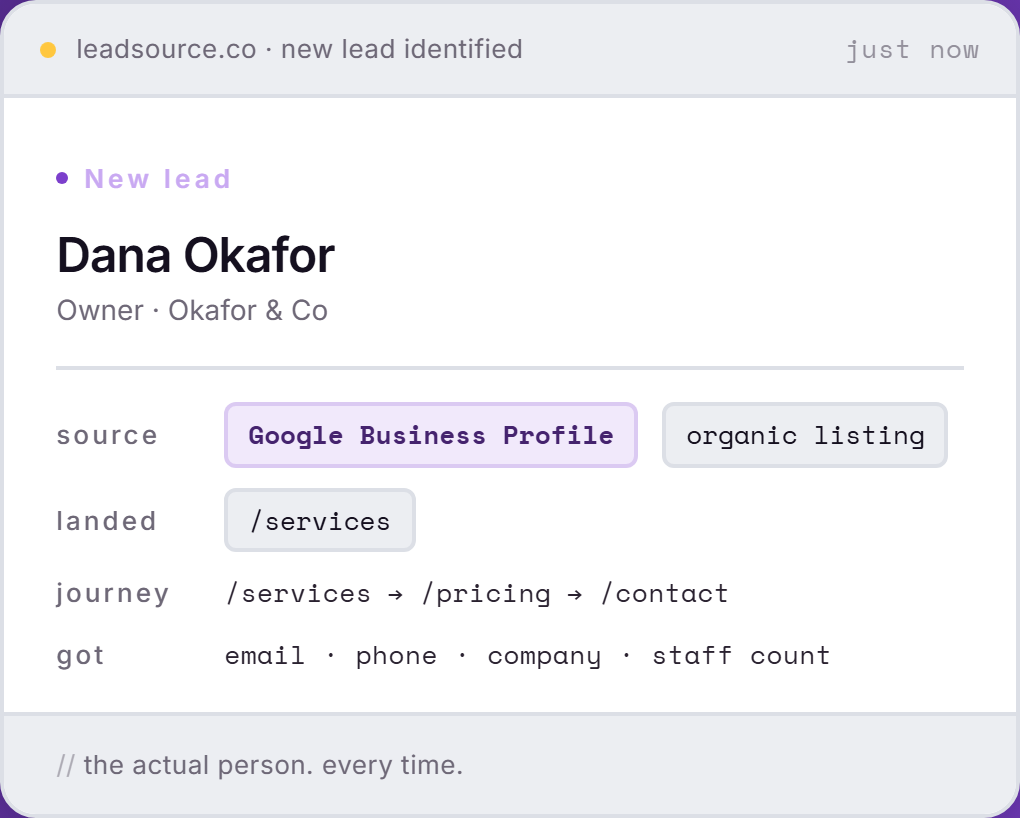
The full page-by-page journey stays in Lead Source, one click from the lead. It reads better there than squeezed into a CRM field, and your sales team will thank you for not trying.
Lead Source records the lead and its source the moment the form is sent. Zapier carries it on to wherever the next conversation happens.
Some have a page of their own. All of them work the same way: the lead arrives in Zapier with its source, and Zapier puts it where you want it. The ones people ask about most:
Your CRM already knows which deals closed. Put the source on the record and it can finally say which marketing they came from.
A webhook sends each new lead to your own endpoint the moment it is captured, signed so your system can check it really came from Lead Source. It carries the person, the source, the channel and the campaign. And when someone wants a spreadsheet for the board meeting, export your leads to CSV for any date range up to 90 days, filtered by source or website.
Three steps. No developer, no field-mapping workshop.
Add the one-line snippet to your site’s head. Every form on the site is tracked from the next visit, with nothing to set up per form.
Connect your Lead Source account and choose the New Lead trigger. Pick a website or a form, or leave it on everything.
Fill in one of your forms. The lead and its source arrive in the Zap, ready to go wherever you point it.
No. Every lead and its source are in your Lead Source dashboard from the first visit. Zapier is for when you want them somewhere else as well, such as your CRM or a shared sheet.
Any app Zapier connects to, which includes HubSpot, Salesforce, Pipedrive, Close, Keap, Monday.com, Zoho CRM, ActiveCampaign, Airtable, Notion, Copper, Insightly and Freshsales. If an app is not on Zapier, a signed webhook or a CSV export covers it.
Yes. Filter the trigger to one website or one form, and run a separate Zap for each. One for the quote form, one for the newsletter, if that is how your team splits the work.
The Zap carries the person, the named source, its channel, the first touch, the form and the website. The full page-by-page journey stays in Lead Source, one click from the lead.
Every webhook is signed, so your endpoint can check that a lead really came from Lead Source before it accepts it, and it only sends to HTTPS addresses. Lead emails, phone numbers and form answers are encrypted at rest inside Lead Source.
No. Lead Source never writes into your CRM on its own. Records are created or updated only by the Zap you build, under your CRM's own rules for duplicates.
Install Lead Source once. Every new lead goes wherever your team already works, with its real source attached.
Start freeFree to start · no card