About this template
What turns a request into a work order?
Three things a simple repair request does not carry: a scope written tightly enough to finish against, a priority the scheduler can trust, and an approval. Facilities teams, property managers and contractors who serve them all hit the same wall without these. The crew turns up, finds the job bigger than described, and stops to ask who will pay for the rest.
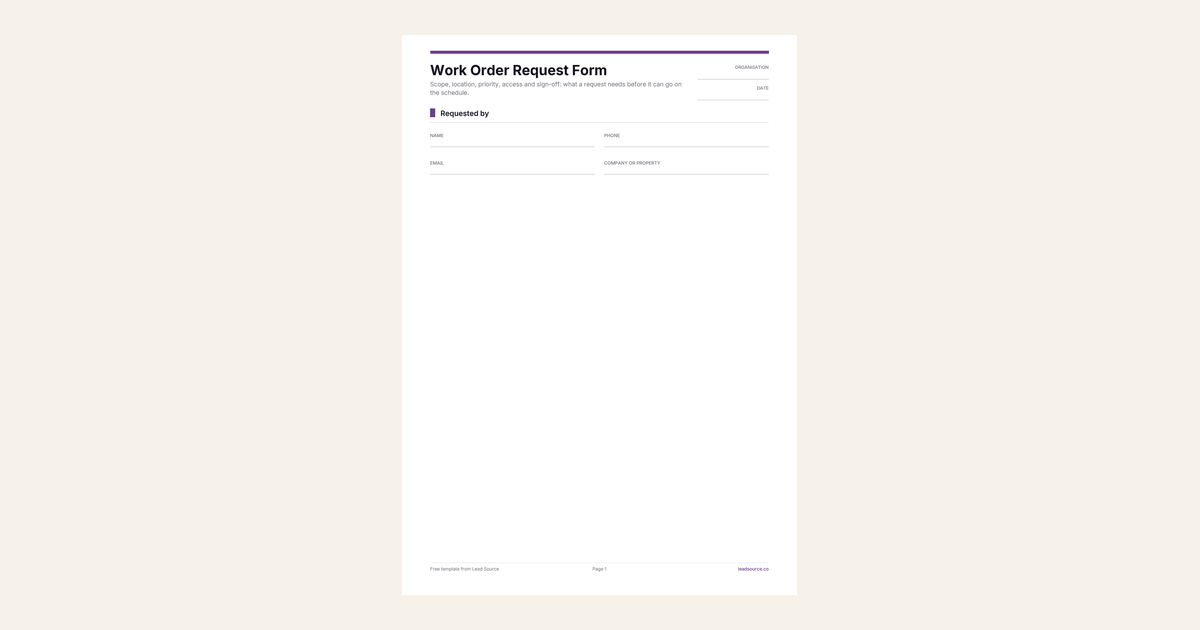
This form asks the requester for what, where and how many, then hands the last section to whoever holds the budget. A work order with a named approver can be booked the same day it arrives.
Why define each priority level on the form?
Because an undefined priority box gets ticked urgent by everyone who is mildly inconvenienced, and then the scheduler ignores it. Writing the meaning beside each option keeps the levels honest. Emergency is a safety risk or a loss of service. Urgent affects work and is due within two business days. Routine takes the next open slot.
Change the timings to what your team can actually deliver, then hold to them. A priority you define and keep is also the easiest service promise to show a client at contract renewal.
Who signs off, and up to how much?
The person who will pay, by name and role, with a spending limit. The limit is the line that prevents the most awkward calls. Once a crew is inside a wall, they find things, and a not-to-exceed figure lets them fix a small extra without stopping work. Anything above it waits for a second approval, which you record on the work order with the time it was given.
A PO or reference number is optional, but take it when the client has one. Quote it on the invoice so the client can match the two.
Can it serve as an asset inspection request?
Yes. Choose Inspection as the type of work, name the asset by its tag number and say what the inspection is for. A compliance date goes in Needed by, and the priority follows from how close it is. An inspection after damage goes to someone who can quote the repair on the same visit. File the report against the asset tag, so the next inspector starts from it.
Which version do you need?
Use this form for planned work and for any job that needs approval before it is scheduled. A homeowner reporting a breakdown is better served by the service request form, which is shorter and triages for speed. A single client visit at a set time fits the appointment request form.
If work orders reach you through your website, Lead Source shows how each requester found you, down to the campaign and landing page, with first and last touch on every record. Add it to any form tool with one line of code, free to start.
How to use this template
- Set your three priority definitions and the response time for each.
- Agree a default spending limit with each regular client and pre-fill it on their copy.
- Send any work order with no named approver back to the requester before booking it.