About this template
What makes a request different from a booking?
Who holds the calendar. With a booking tool the visitor picks a live slot and it is theirs. With a request form the visitor tells you what would suit, and you confirm. That suits slots that depend on who is working, how long the service runs and what else came in that morning.
The risk is the person who thinks submitting the form was the booking and turns up on Tuesday. Say it in three places: above the button, on the thank-you page, and in the confirmation itself. Something like: your request is in, and we will confirm a time by text within one business day. Then keep the promise.
Why ask for two dates instead of one?
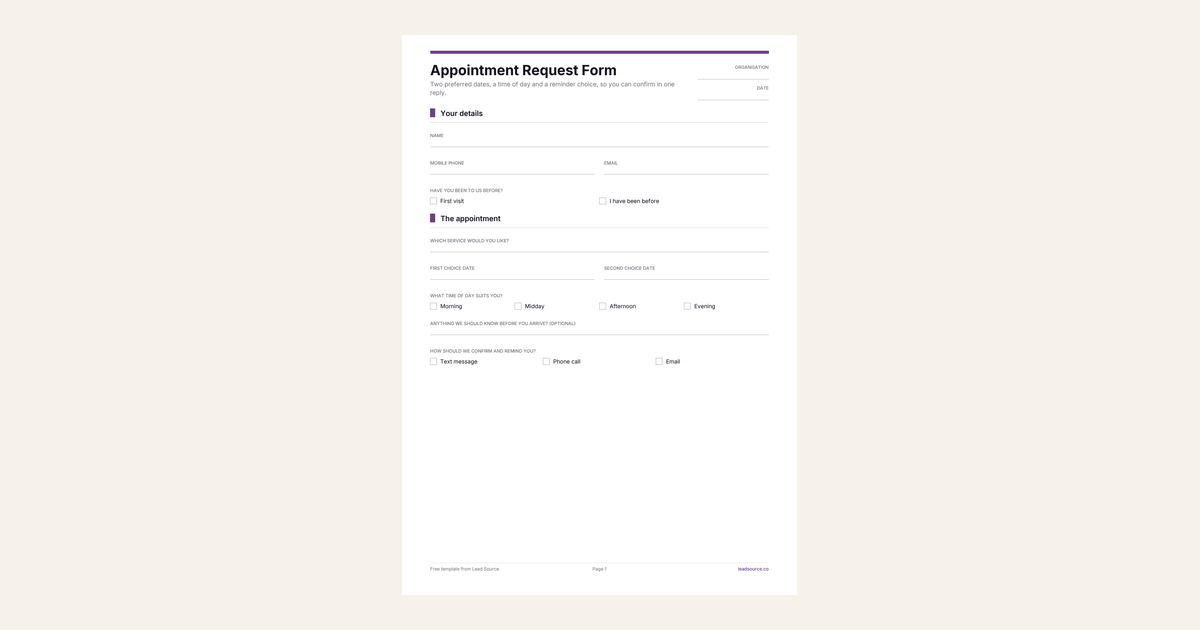
Because a single date that is already full turns your reply into a question. Every extra round of messages is a chance for the person to book somewhere else. With a first and second choice plus a time-of-day window, most replies can be a confirmation. The second date is optional, so nobody is blocked by it.
What should stay off an appointment form?
Anything you would not want in an inbox. A clinic or practitioner does not need symptoms or medical history to put a time in the calendar, and collecting them here creates a record you then have to protect. Ask for those at the visit, on your intake paperwork. The same goes for card numbers: take deposits through a payment processor, never through a form field.
The notes box asks only about arriving, such as access needs or a child coming along. That is useful on the day and harmless in an inbox.
Which booking form do you need?
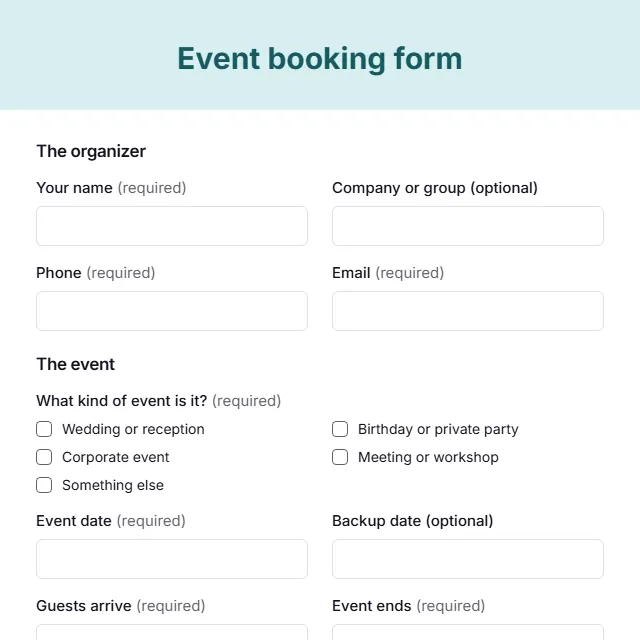
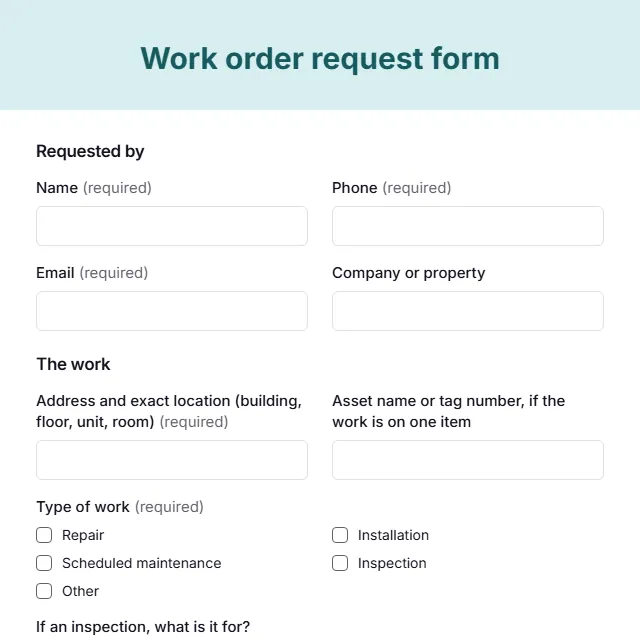
This one for timed visits at your premises or online. A party, wedding or conference that needs a room and a headcount belongs on the event booking form. A customer reporting something broken at their address should use the service request form, and a job that needs approval and scheduling across a team fits the work order request form.
When the requests start coming in, it helps to know which channel sent each one. Lead Source records that on every submission, with the campaign, the landing page and the pages viewed beforehand, and it takes a single line of code on whatever form tool you use.
How to use this template
- Replace the service box with a short list of what you actually offer.
- Write the not-yet-confirmed sentence above the button and on the thank-you page.
- Confirm every request through the channel the person picked, inside the time you promised.