About this template
Is a patient registration form the same as an intake form?
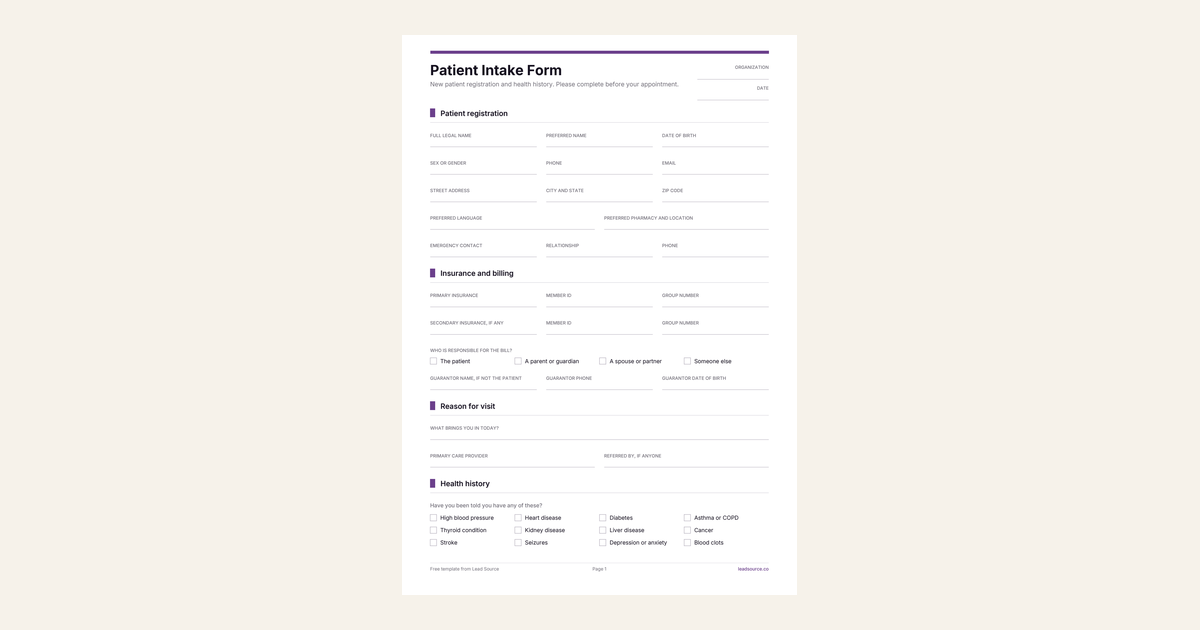
They overlap. Registration answers who the patient is and who pays: contact details, insurance, the guarantor. Intake answers what the clinician needs to know: why they came in, their history, medications and allergies. Most practices hand both over on one clipboard.
This template keeps registration first. The front desk checks insurance while the patient finishes the health history. A practice that wants a separate registration form prints the first pages only.
Which field causes the most trouble later?
The allergy list without reactions. "Penicillin" on its own could mean a rash in childhood, an upset stomach or a reaction that closed someone's throat. Each leads to a different decision. The form cannot tell them apart unless the patient writes down what happened. So the allergy table has a reaction column, and a clinician can tell an intolerance from an allergy at a glance.
The medication list gets the same treatment: a table with the dose and how often, not a single line where "blood pressure pill" ends up. Ask patients to bring their bottles or a list from the pharmacy.
Why ask who the practice can talk to?
Because the first time a spouse phones for test results, the front desk needs an answer that is already on file. The form names the people the patient allows the practice to talk to about their care. It also records how the patient wants to be contacted, including whether a voicemail is acceptable. The privacy law that applies to your practice also limits what can be shared, and with whom. Have the wording reviewed.
Which version do you need?
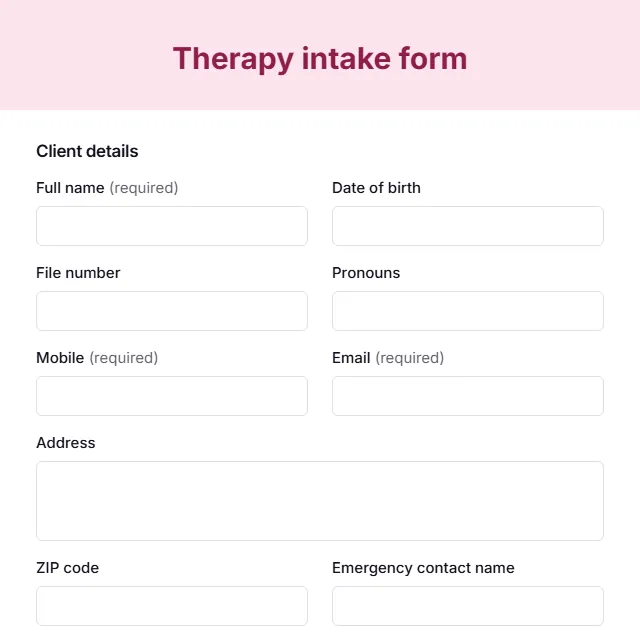
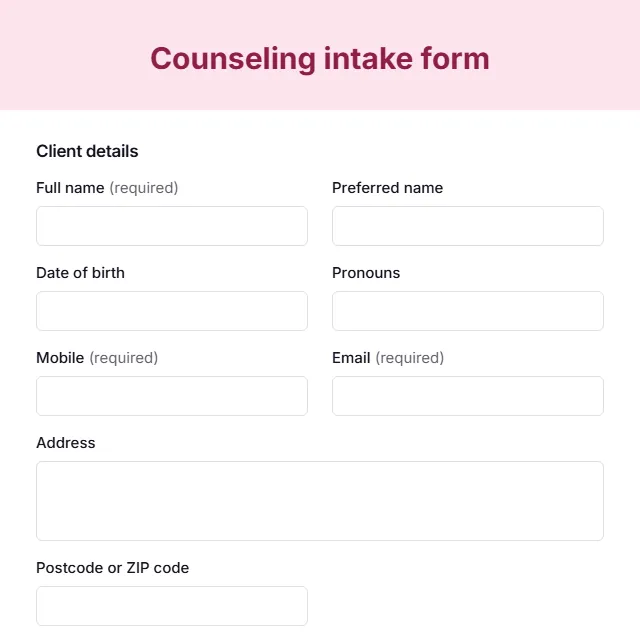
This is the general medical intake for a clinic or physician practice. Specialist practices ask different questions. A physical therapy clinic needs claim details and function. A mental health practice needs care preferences and a different consent. For talk therapy, the therapy intake form is the better start.
How to use this template
- Adapt the consent and privacy wording with your practice manager or attorney, and check your state rules.
- Send it with the appointment confirmation so patients can gather insurance cards and medication lists.
- Confirm medications and allergies in person at the visit, then scan or file it with the record.